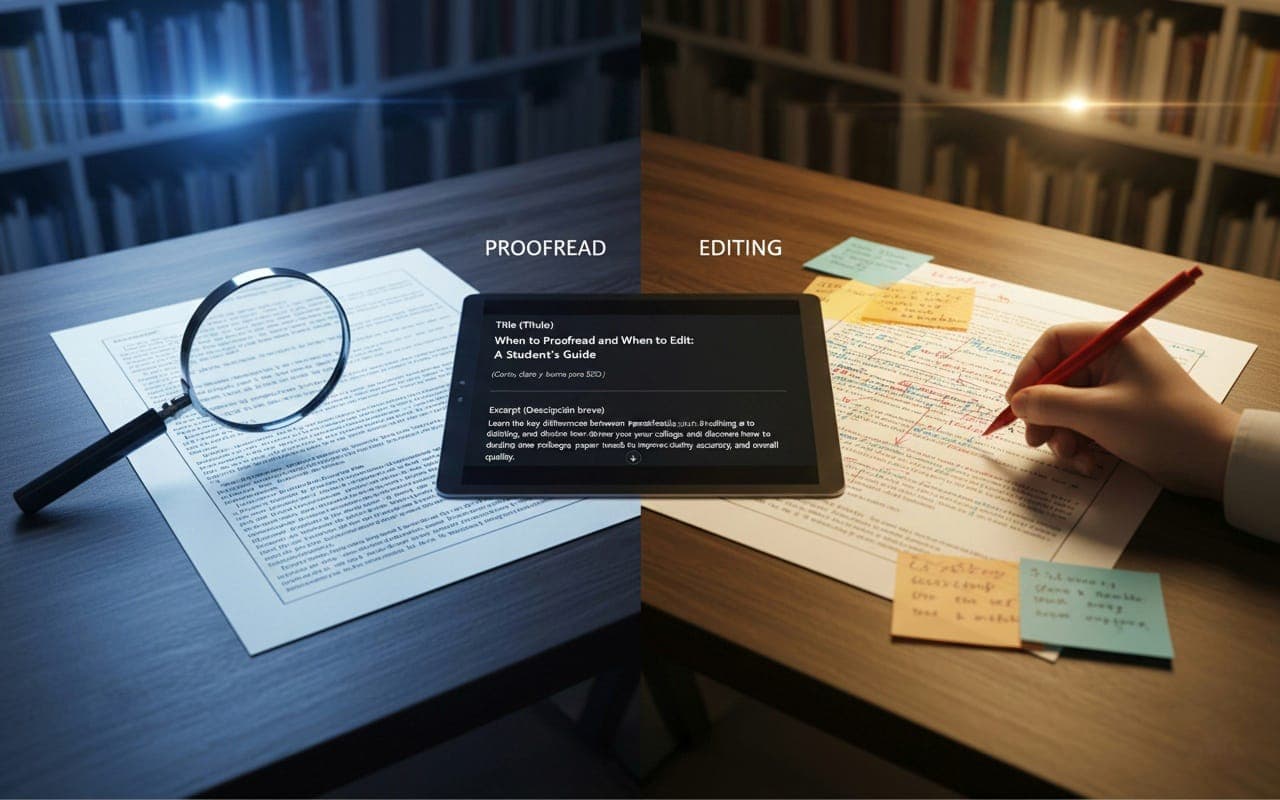
When to Proofread and When to Edit: A Student’s Guide
When to Proofread and When to Edit: A Student’s Guide
If you’re like most first-year college students, writing papers can feel overwhelming. You spend hours getting your ideas down, and then you’re stuck wondering: What now? Should you proofread your paper, or should you edit it? Are they even the same thing? Spoiler alert: they’re not. Knowing the difference between proofreading and editing can save you a lot of stress—and help you turn in better work.
Here’s a simple way to figure out when to proofread and when to edit, with examples that make sense for college writing.
What’s Proofreading, Anyway?
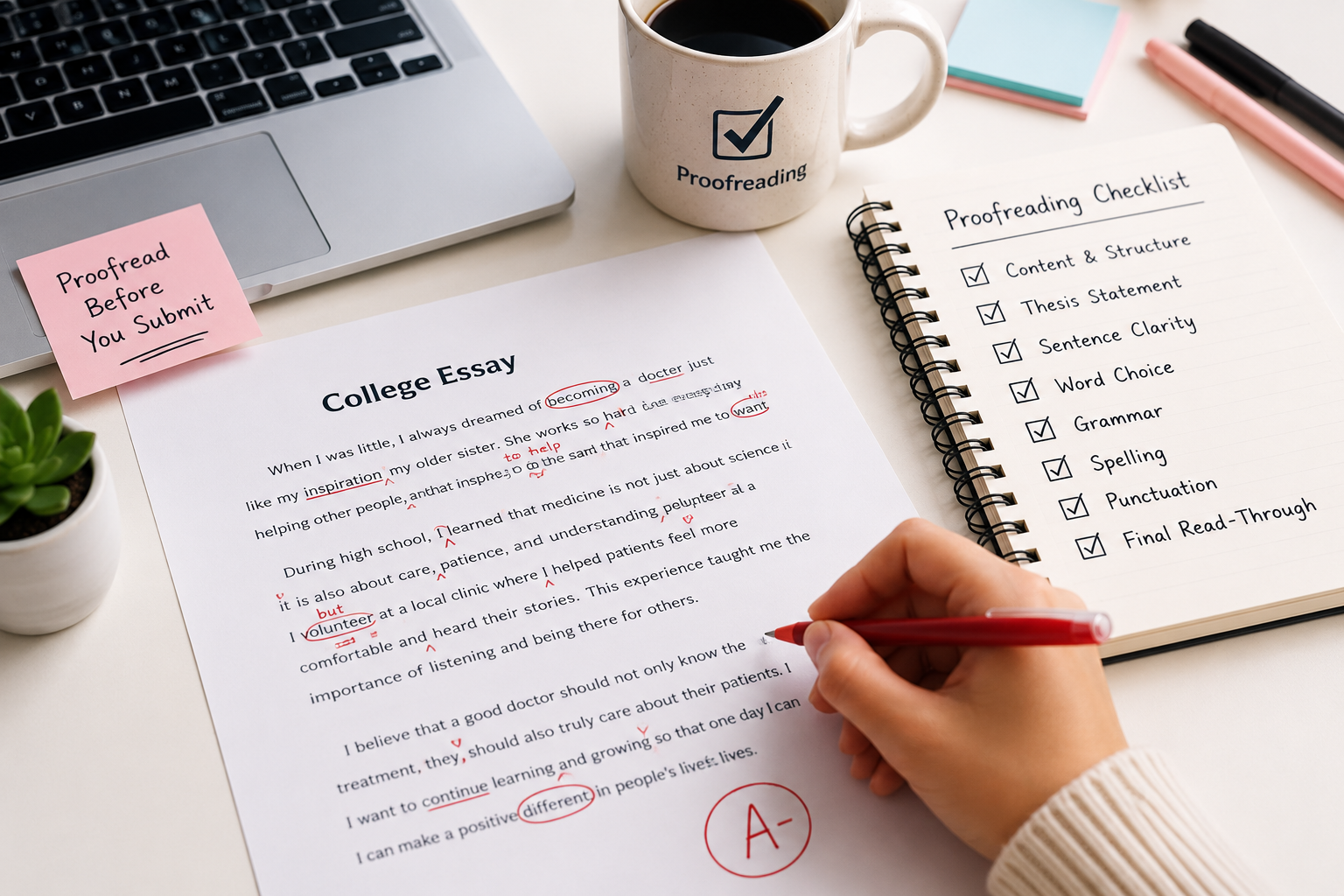
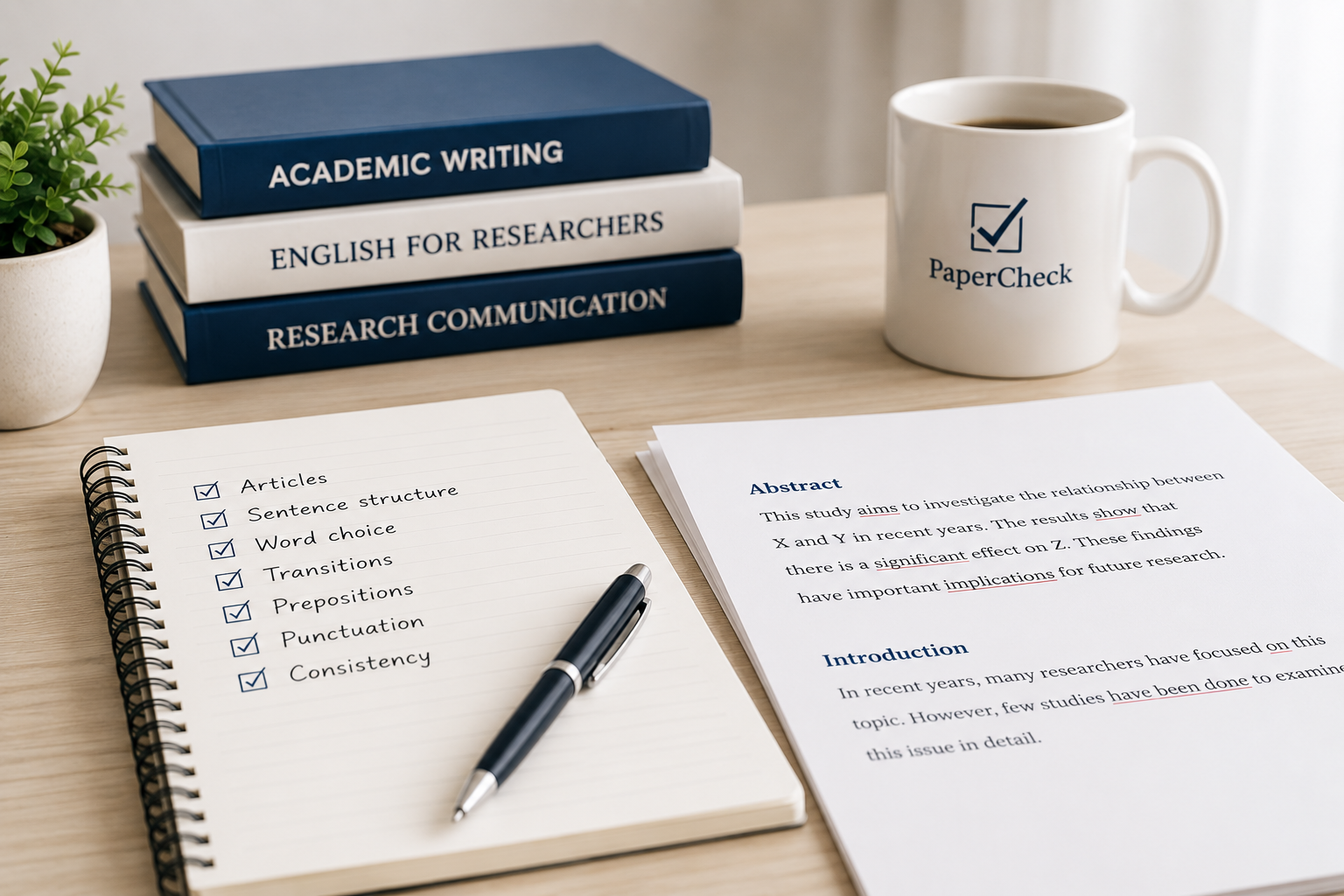
Proofreading is the last step before you hit “submit.” It’s about catching the tiny mistakes that slip through—like typos, grammar goofs, or missing commas. Think of proofreading like checking your paper for little errors that don’t change what you’re saying but can make your work look sloppy.
When Should You Proofread?
You proofread after you’ve fixed the big stuff. That means your ideas are clear, your paragraphs make sense, and your argument flows. Proofreading isn’t the time to rewrite sentences or add new points. It’s just about cleaning up the small errors.
Proofreading Example
Say you wrote: “The experiment was succesful, and the results was conclusive.”
Proofreading would catch that “succesful” is spelled wrong (it should be “successful”) and that “results was” should be “results were.” These are quick fixes that make your paper look polished.
So, What’s Editing Then?
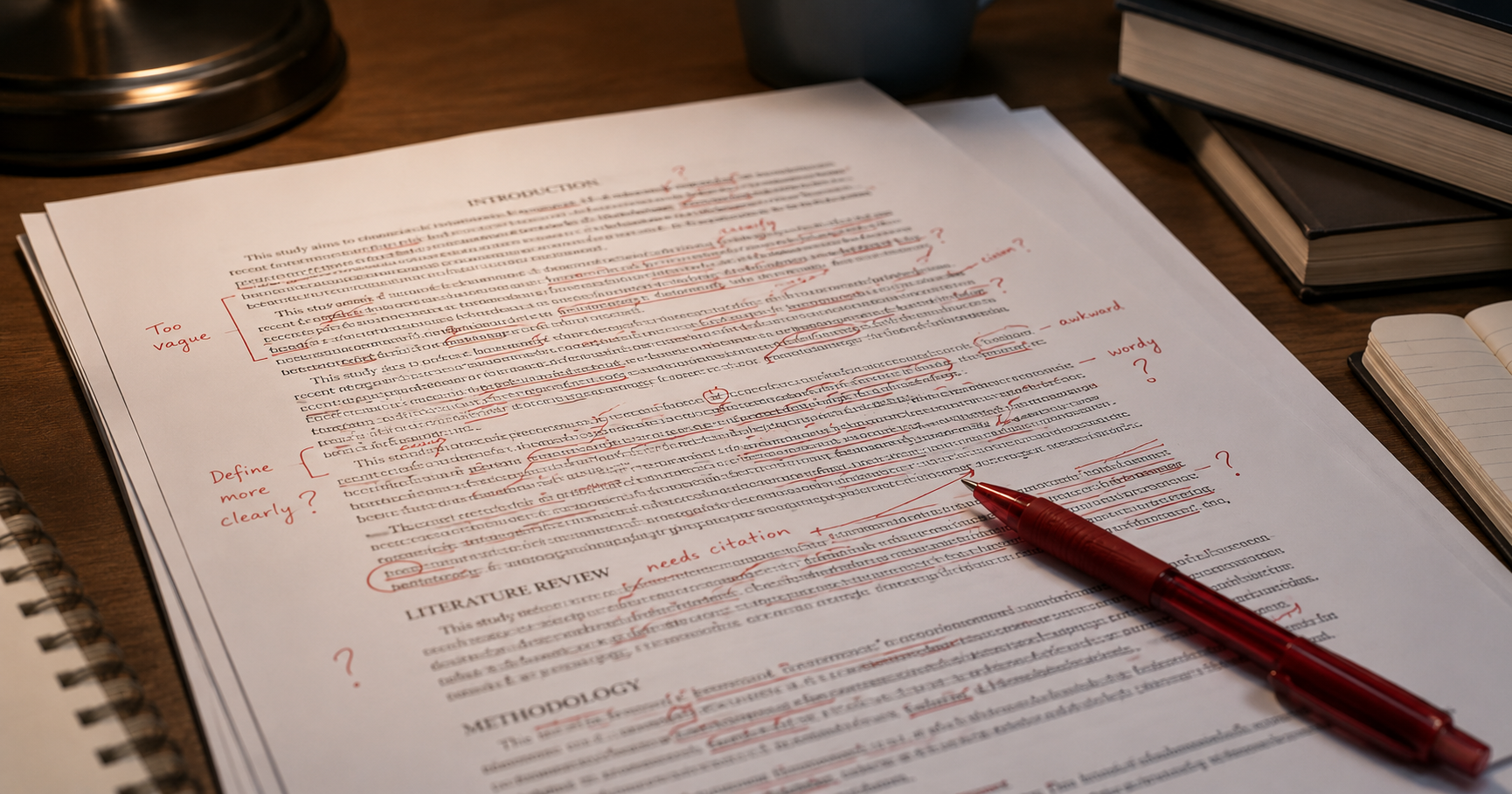
Editing is a bigger deal. It’s when you look at your writing and ask: Does this actually make sense? Editing means fixing the structure, making your ideas clearer, and tightening up your arguments. It’s about improving your paper’s overall quality, not just fixing typos.
When Should You Edit?
You edit before proofreading. Usually, this happens when you have a rough draft but it feels messy or confusing. Editing means you might move paragraphs around, rewrite sentences, or add more examples to back up your points.
Editing Example
Here’s a rough paragraph:
“Climate change is bad. It causes problems like storms and floods. People should do something about it.”
Editing would turn it into something like:
“Climate change is a serious issue that leads to more frequent storms and floods. To protect our planet, both individuals and governments need to take action now.”
The edited version sounds clearer and more thoughtful, right? That’s what editing does.
How to Know What You Need?
Here’s a quick trick:
If your paper feels messy, confusing, or like it’s missing something, edit first.
If your paper sounds clear but has spelling or grammar mistakes, proofread.
Not sure? Read your paper out loud. If it sounds awkward or you get stuck, it probably needs editing. If it sounds good but you spot small mistakes, proofreading is the way to go.
Quick Tips for Students
Take a break after writing before you start editing or proofreading. Fresh eyes help you catch more mistakes.
Don’t rely only on spell checkers—they miss a lot!
Ask a friend or classmate to read your paper. Sometimes they catch things you don’t.
Separate editing and proofreading into two steps so you don’t get overwhelmed.
Bottom Line
Editing and proofreading are both important, but they’re not the same. Editing is about making your ideas stronger and your paper easier to understand. Proofreading is about fixing the little errors that distract your reader. If you know when to do each, your papers will be clearer, cleaner, and more professional.
So next time you finish a draft, ask yourself: Does this need a bigger fix, or just a quick polish? Knowing the answer will make your writing process way smoother—and your grades might just improve, too.