Our proofreading and editing services
Expert human editors for every document. Clear pricing, fast turnaround, real results.
No commitment required · Instant pricing
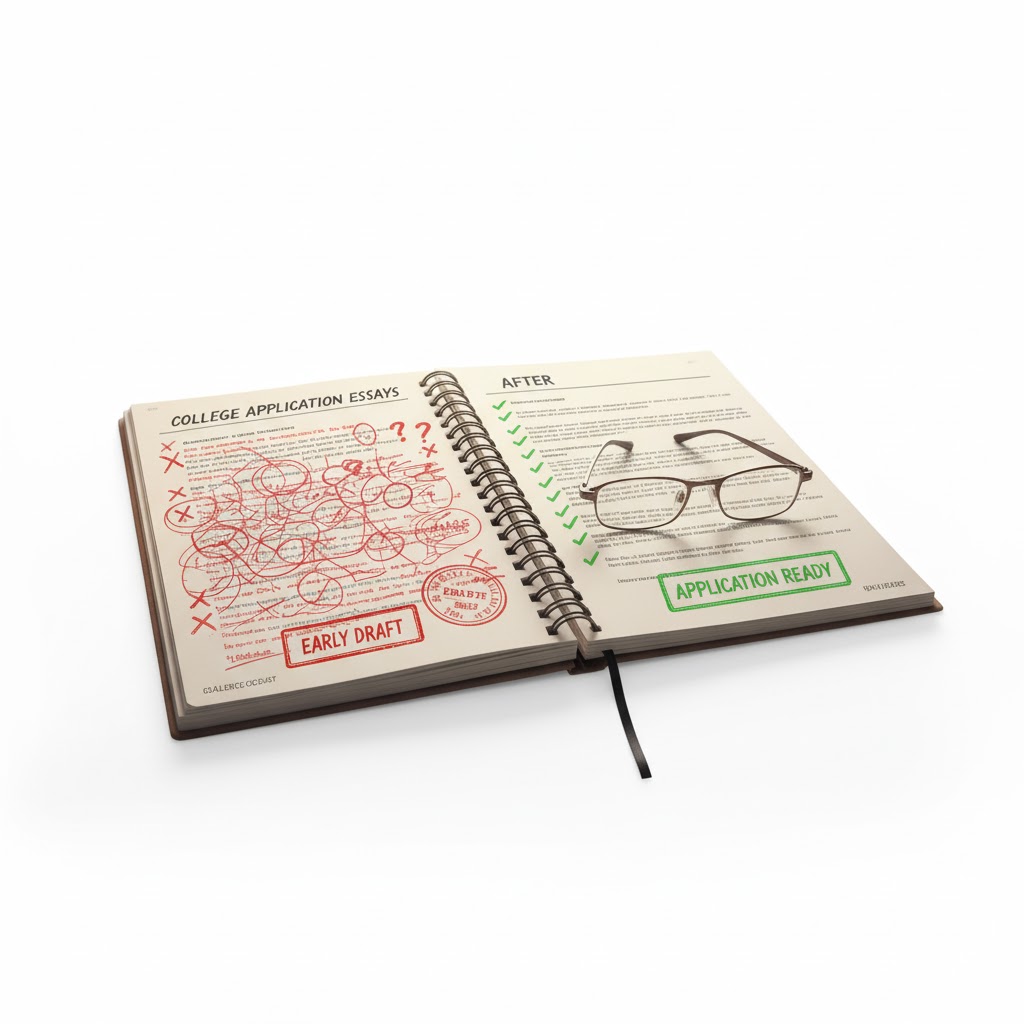
English Admissions Essay Editing
EditingProfessional editing for admissions essays written in English. Improve clarity, storytelling, and language accuracy to present your best self to admissions committees.
Learn more
English Business Editing Services
EditingProfessional English business editing for non-native writers. Improve clarity, tone, and accuracy to communicate effectively in emails, reports, and professional documents.
Learn more
English Personal Editing Services
EditingProfessional English editing for personal documents. Improve clarity, natural tone, and flow to communicate your ideas clearly and confidently.
Learn moreAdd-on services
Enhance your order with additional services
AI content humanization
Makes AI-generated content sound natural and authentic, removing robotic patterns
Certificate of editing
Official certificate verifying your document has been professionally edited
Formatting service
Professional formatting to meet style guide or submission requirements
PaperTomb
Secure long-term storage and archival of your edited documents
Second look editing
An additional round of expert editing with a fresh perspective
Savings programs
Discounts that apply automatically, no code needed
First-time client discount
15% off
Save 15% automatically on your first order with us, no code needed. The discount is applied at checkout as soon as you place your first project.
Large document discount
10% off
Working on a longer document? Once your word count passes 4,500 words, we automatically apply a 10% discount at checkout, no need to ask or enter a code.
Loyalty program
15% off
Once you've spent $5,000 or more with Proof-Reading across all your orders, you unlock a permanent 15% discount on everything going forward, automatically applied to every order from then on.
Ready to Experience the Proofreading Difference?
Get started with a custom quote tailored to your specific needs.